
How to Run Qwen3-Next Locally: A Complete Guide for High-Performance AI Deployment
The landscape of AI language models continues to evolve rapidly, and recent advancements have brought us closer to deploying powerful models directly on personal hardware. Notably, the release of Qwen3-Next marks a significant milestone, offering some of the fastest inference speeds available, especially when leveraging systems with ample RAM. This article provides a comprehensive overview of how to set up and run Qwen3-Next locally on your device, including detailed instructions, optimal settings, and essential code snippets.
Introduction to Qwen3-Next
Developed by the Qwen team, Qwen3-Next is a cutting-edge language model available in two variants: Thinking and Instruct. These models employ a novel architecture that achieves approximately 10 times faster inference compared to previous models like Qwen32B. Such performance gains open the door for more interactive, real-time AI applications on personal hardware.
Hardware Requirements
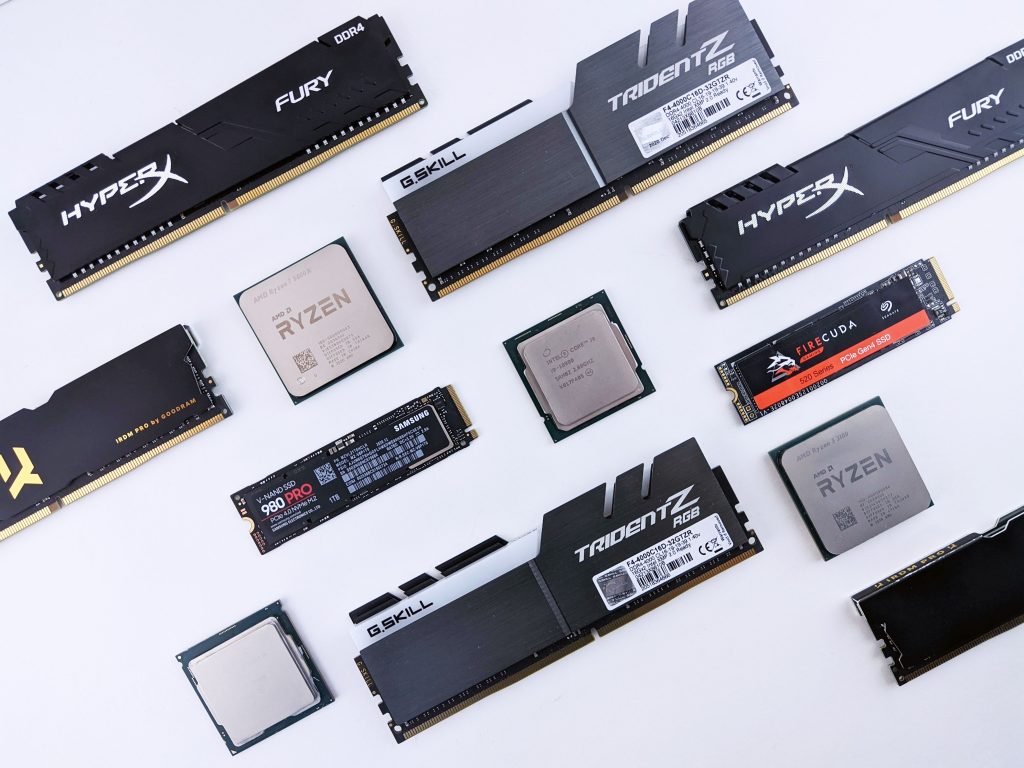
Given the model’s demanding nature, a robust hardware setup is recommended:
- Memory: At least 30GB RAM for smooth operation
- GPU: A high-performance GPU is beneficial but not strictly necessary depending on your setup
- Storage: Adequate space to store the model weights (~30GB)
Step-by-Step Deployment Guide
To facilitate an easy setup process, a detailed guide has been provided, covering every aspect from environment setup to execution. You can access the full instructions here:
Complete Qwen3-Next Local Deployment Guide
This guide includes:
- Environment setup and dependencies
- Downloading and preparing model weights
- Configuring inference parameters (
temperature,context, etc.) - Running the model using
llama.cppcode snippets
Downloading the Model Weights
For seamless integration, the models are available in GGUF format on Hugging Face:
-
Instruct Version:
https://huggingface.co/unsloth/Qwen3-Next-80B-A3B-Instruct-GGUF -
Thinking Version:
https://huggingface.co/unsloth/Qwen3-Next-80B-A3B-Thinking-GGUF
Ensure you download the appropriate version depending on your intended use-case.
Optimizing Inference Settings
Adjusting key parameters can significantly influence performance and output quality:
- Temperature: Controls randomness in generated responses (typical range: 0.0 to 1.0)
- Context Length: Determines how much previous conversation or input the model considers
- Inference Code: Use provided
llama.cppsnippets to run and customize the model
Final Thoughts
Running Qwen3-Next on your local machine is now more accessible than ever for those equipped with substantial hardware capabilities. This development enables advanced AI experimentation, custom tool-building, and more, all without relying on external cloud services.
We extend our thanks to the Qwen team and the community backing these innovations. If you’re interested in deploying this model, be sure to follow the step-by-step guide linked above, and enjoy the powerful capabilities of Qwen3-Next.
Happy AI experimenting, and wishing everyone a wonderful holiday season!